First visit
Your first time at a golf simulator
How booking works, what to bring, and what to expect once you step into the bay. No golf experience needed.
A golf simulator lets you hit real golf balls with real clubs into a screen, then watch the shot fly down a virtual fairway. It's one of the easiest ways to try golf, and one of the best ways to keep playing when it's dark, cold or raining. If you've never been, the first visit can feel a little unfamiliar. This guide walks through it from booking to the last shot.
What a simulator venue is
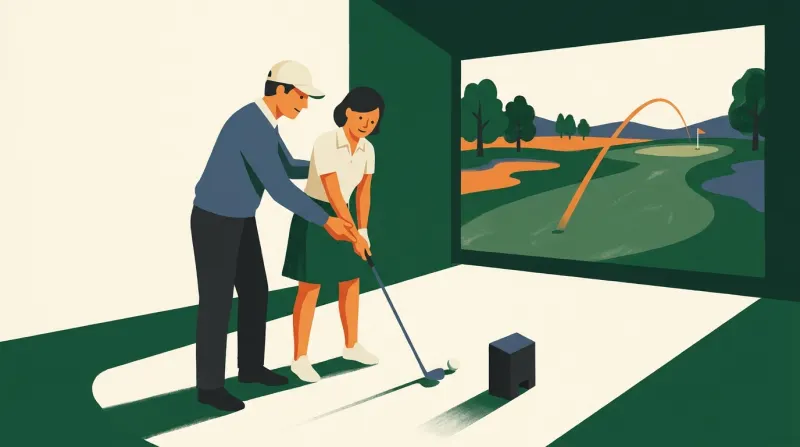
Most indoor golf venues are built around bays. A bay is a small room or booth with a hitting mat, a large impact screen a few steps in front of you, a projector, and a launch monitor: the device that measures each shot. You hit the ball into the screen, the launch monitor reads how it left the club, and software draws the rest of the flight on the screen.
Venues come in a few styles. Some are quiet practice studios. Some are sim bars, with a kitchen, drinks and music. Some are members-only spaces with key-card entry that stay open around the clock. Many mix these: open bays for anyone, plus lessons, leagues and memberships for regulars. Knowing which kind you're booking helps you set the right expectations.
Booking a bay
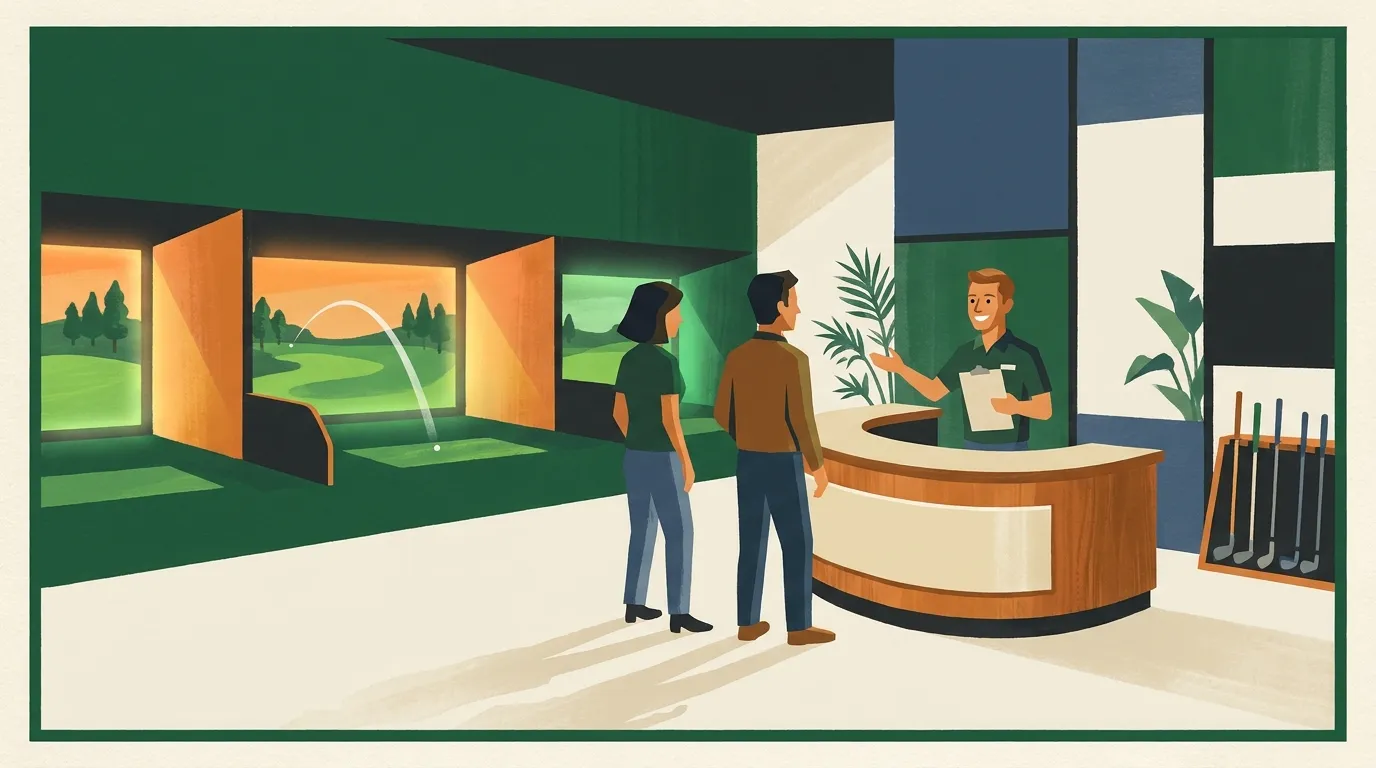
Most venues rent bays for a block of time, booked online or by phone. You pay for the bay, not per shot, and the people in your group share it. A few things to know before you book:
- Book ahead for evenings and weekends. Those are the busy times. Walk-ins sometimes work on quiet weekdays, but don't count on it.
- Check the venue's booking page for rates and time slots. Pricing and session options vary a lot between venues, by day and by time, and we don't list them here. The venue's own page is the only reliable source.
- Read the cancellation rules. Some venues charge if you cancel late or don't show.
- Say how many people are coming. Many venues set a maximum per bay, and some price by group size.
- Mention left-handed players. Most systems handle lefties, but some bays need the ball position or the sensor moved. A quick note when you book saves time.
- Ask about age rules. Venues with a bar may limit who can come in, or when.
Arrive a few minutes early. Staff usually show you how to start the system, pick a mode and set up players, and that eats into your time if you arrive right on the hour.
What to bring
Clubs are optional at many venues. A lot of places rent or lend clubs, often including left-handed sets. Check the venue's website or call if you need a specific set. If you have your own clubs, bring them. Hitting your own driver and irons makes the numbers on the screen more useful to you.
- Clean clubs. Wipe the faces and grooves. Dirt and grass can mark the screen and throw off some sensors.
- Clean, flat-soled shoes. Sneakers are fine. Many venues don't allow metal spikes, and some ask you not to wear golf shoes that have been on a muddy course.
- A glove, if you normally wear one.
- Comfortable clothes you can swing in. Indoor bays are usually warm once you get going.
- ID, if the venue serves alcohol.
Don't bring your own balls unless the venue says it's fine. Many venues hand out their own balls. They want clean balls that won't damage the screen, and some launch monitors read spin best with a particular type of ball.
How many people per bay
The bay is shared, and only one person hits at a time. That's the main thing to plan around. With two players, you'll swing almost constantly and may want a break. With a bigger group, each person waits longer between shots, and a full round takes much longer.
Venues usually list the maximum number of players per bay on their booking page. If your group is bigger than that, book two bays side by side. For a mixed group where some people want to practice and others want to play, two bays can also be easier than one.
Tip
Pick one person to run the touchscreen or tablet. Swapping players, choosing courses and fixing settings goes faster when one person handles it.
Practice range or a full round
Most simulator software offers two main ways to play.
- Practice range. You hit shots at targets on a virtual range and see numbers for each one. This is the best place for a first-timer to start: no pressure, no score, and you can hit the same club over and over until it feels comfortable.
- Course play. You play holes on a virtual course, often a recreation of a real one. You tee off, hit approach shots, and putt or chip on the screen. It feels most like real golf, and it's the most fun once you're making decent contact.
Many systems also include games, such as closest to the pin, long drive contests and target challenges. These work well for groups and for people who don't play golf, because every shot counts and turns are quick.
If you plan to play a course, start with nine holes. Eighteen holes with a few players can take longer than people expect, and most groups would rather finish nine than run out of time on the back nine. Ask staff how to turn on "gimmes," which count short putts as made automatically, to keep things moving.
What the screen shows
After each shot, the screen shows the ball's flight and a set of numbers. The exact list depends on the system, but you'll usually see:
- Carry: how far the ball flew in the air.
- Total: carry plus the roll after it lands.
- Ball speed: how fast the ball left the club.
- Launch angle: how steeply it took off.
- Spin: how much the ball was spinning, which shapes how high it flies and how much it curves.
Some setups also show club data, like club speed and swing path. You don't need to understand any of it to have fun. If you want to dig in, our golf simulator technology guide explains what each number means and why different systems give slightly different readings.
Simulator etiquette
Simulator etiquette is mostly about safety and sharing the bay.
- One person in the hitting area at a time. Everyone else stays well behind the hitter, never beside or in front.
- Wait until the hitter is done. Don't walk into the hitting area to set up a ball until the last shot has finished.
- Check behind you before you swing. Bays are smaller than a range, and a backswing reaches farther than people think.
- Use the venue's balls and don't hit damaged ones. A cracked ball can mark the screen.
- Don't touch the launch monitor. Bumping it can throw off every reading for the rest of your session. If the numbers look wrong, ask staff.
- Finish on time. The next group is waiting. Most systems let you save a round, so you can stop mid-course.
- Tidy up. Put rental clubs back, clear empty glasses and let staff know if anything broke.
Above all, relax. A bay is private, so nobody else is watching your misses. Everyone hits bad shots, especially on the first few swings.
Questions
- Do I need to know how to play golf?
- No. Plenty of people visit having never held a club. Start on the practice range or with a game, and ask staff for a few pointers. If you want to learn properly, many venues offer lessons.
- Do I need my own clubs?
- Not at most venues. Many rent or lend clubs. Check the venue's website or call to make sure, especially if you need left-handed or junior clubs.
- Can left-handed golfers play?
- Usually, yes. Some bays need a small change to the setup for lefties, so mention it when you book.
- Is it safe for kids?
- Many venues welcome kids, especially earlier in the day. Keep them well back from the hitting area, and check the venue's age rules if it has a bar.
- How much does it cost?
- It varies by venue, day and time, so we don't list prices. The venue's booking page shows current rates.
Find a venue for your first visit
- Indoor golf venues by state, with a map of each city.
- Golf simulator bars, if you want food and drinks with your round.
- Venues with lessons, if you'd like a pro to show you the basics.
- 24/7 venues, for members who want to practice at odd times.